We do not store credit card details.
Raspberry Pi Compute Module 4 7" Touch Screen All-In-One Kit (21606)
We do not store credit card details.
Attention!!! Raspberry Pi Compute Module 4 is not included in the package!!!
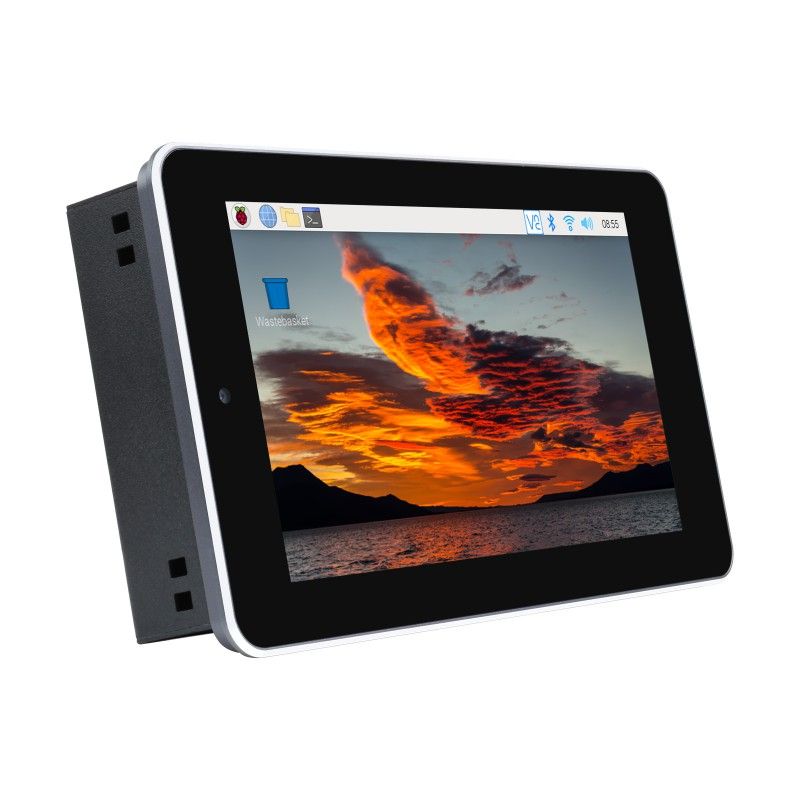
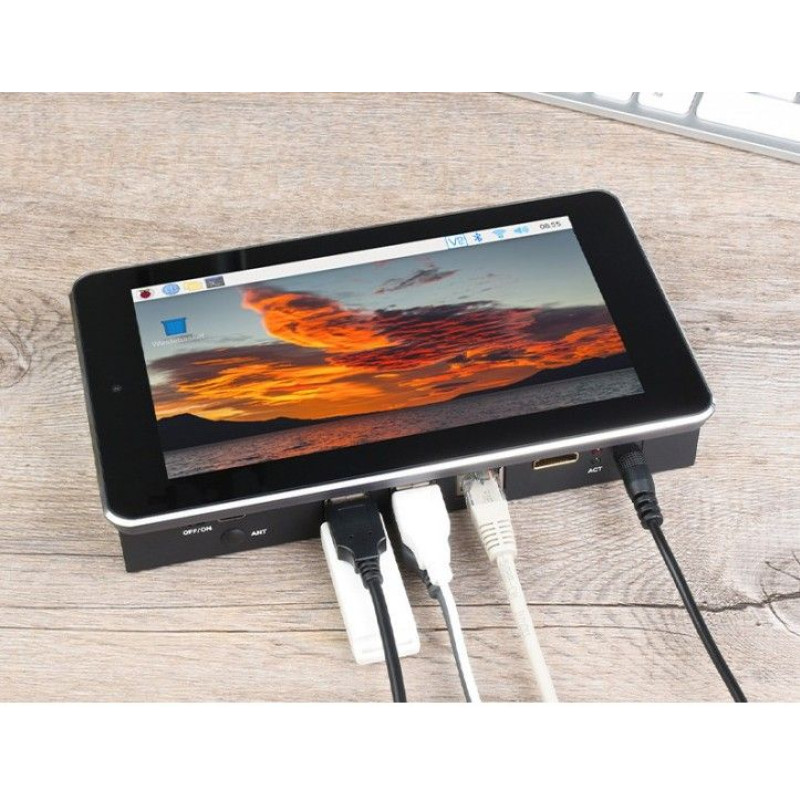
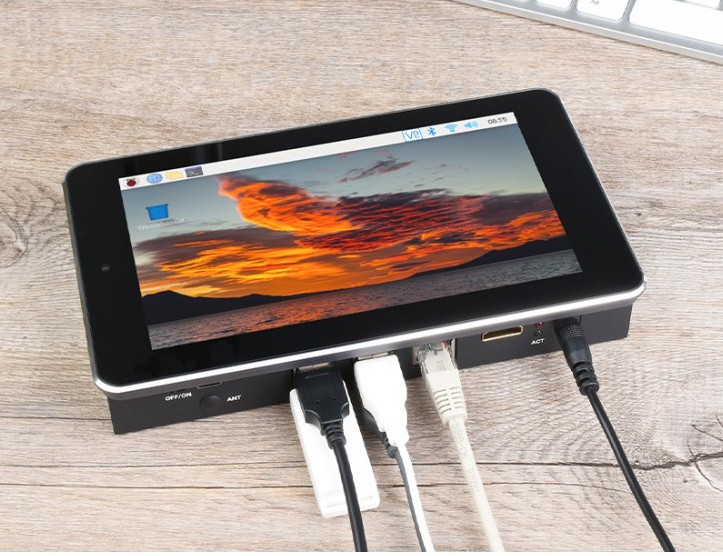
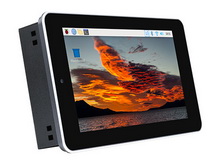
Raspberry Pi Compute Module 4 7"Touch Screen All-In-One Kit (21606 ) is a multifunctional 7-inch touch screen All-In-One Kit designed for the Raspberry Pi CM4 (EU version) with a 5-megapixel camera and an aluminum case with a cooling system. It is used for Raspberry Pi projects where multiple peripherals are required, as well as in industrial applications.

Key features:
- CM4 SOCKET is suitable for all variants of the Compute Module 4
- Gigabit Ethernet RJ45
- M.2 M KEY, supports NVME SSD
- USB USB 2.0 × 4
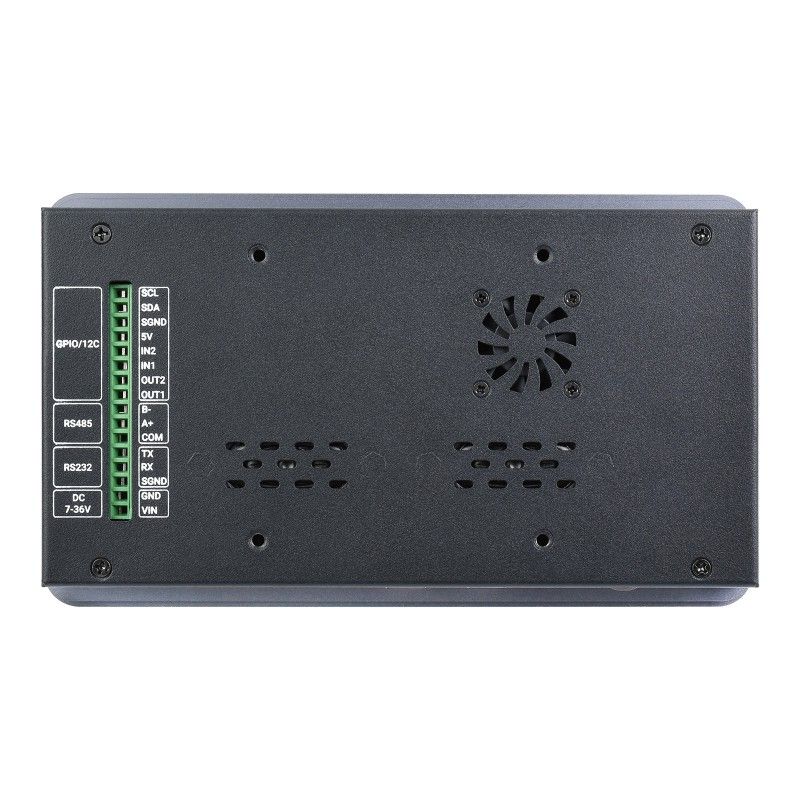
- Isolated RS485, RS232, GPIO and I2C
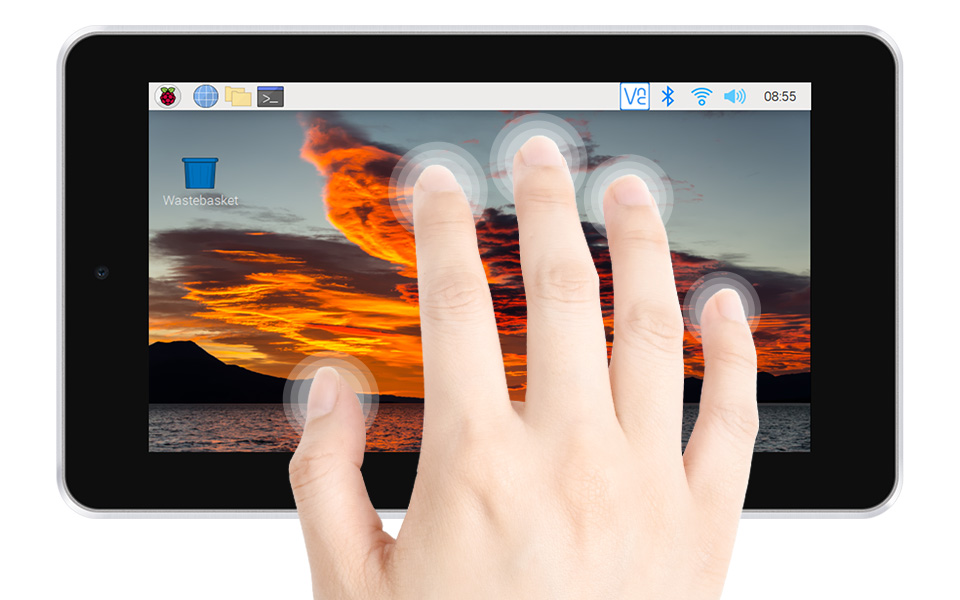
- DISPLAY 7 inches, 800 × 480 pixels, 5-point capacitive touch screen, tempered glass panel
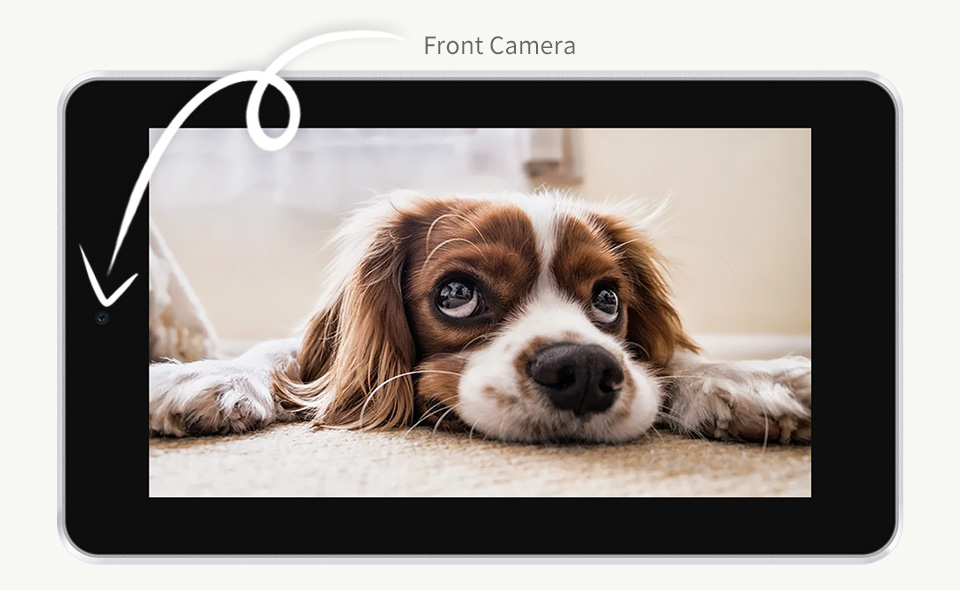
- CAMERA 5 MP, F2.4, fixed focal length 3.89 mm, supports video recording
- VIDEO HDMI, supports 4K 30fps output
- RTC real-time clock with battery connector and the ability to wake up the Raspberry Pi CM4 computing module
- MicroSD memory card slot for Compute Module 4 Lite variants (without eMMC)
- 5V/12V fan, allows you to adjust and measure the speed
- Two-channel speakers 8 ohms 2 watts
- POWER INPUT 7-36V
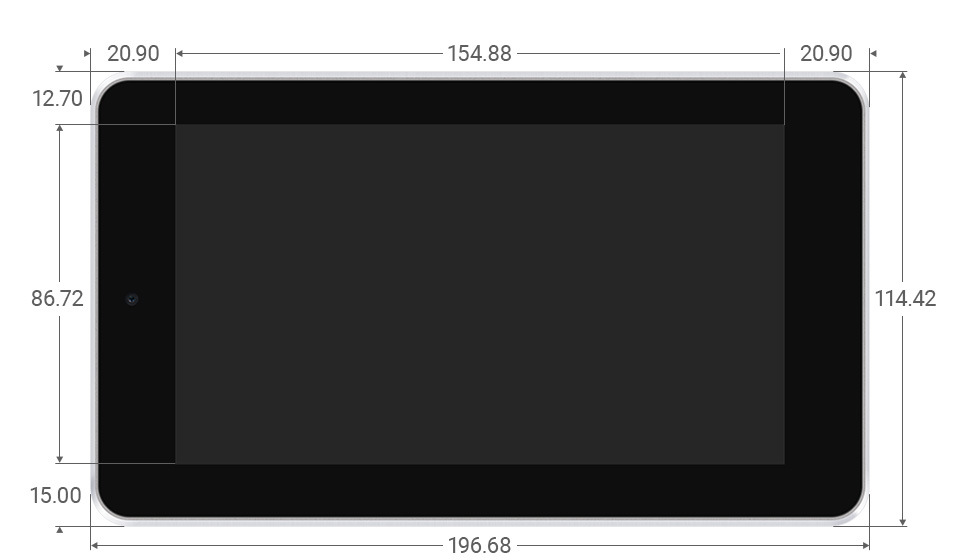
- Dimensions 196.68 × 114.42 mm
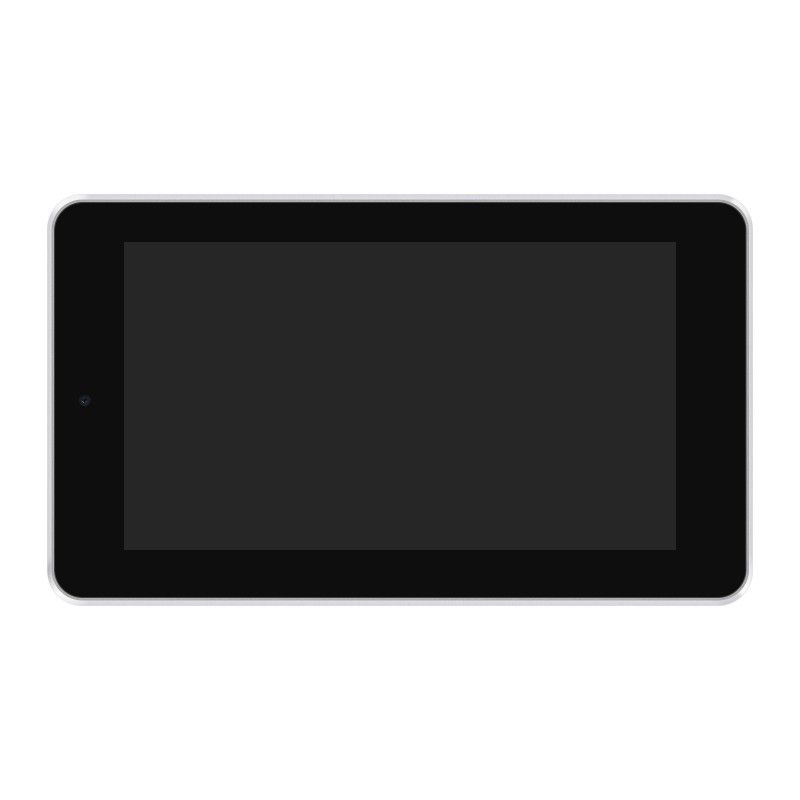

7-inch tempered glass screen and 5-point capacitive touch screen

Front camera 5 MP

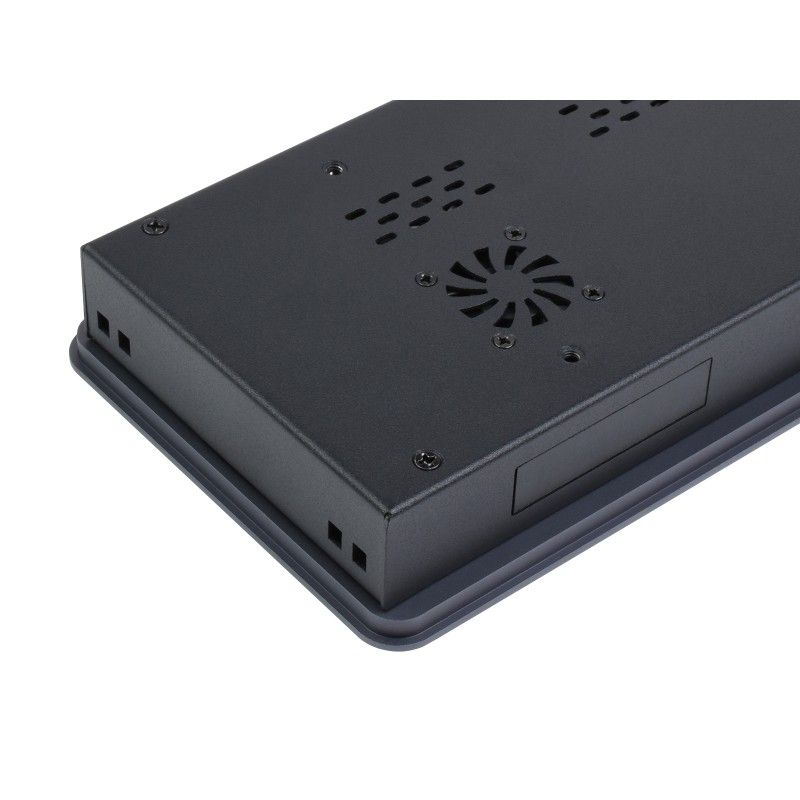
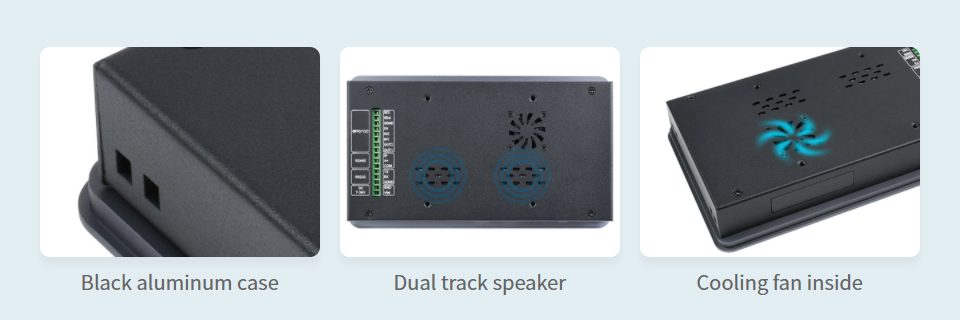
The aluminum alloy body contains two-channel speakers and a fan cooling system.

Brightness can be adjusted via software

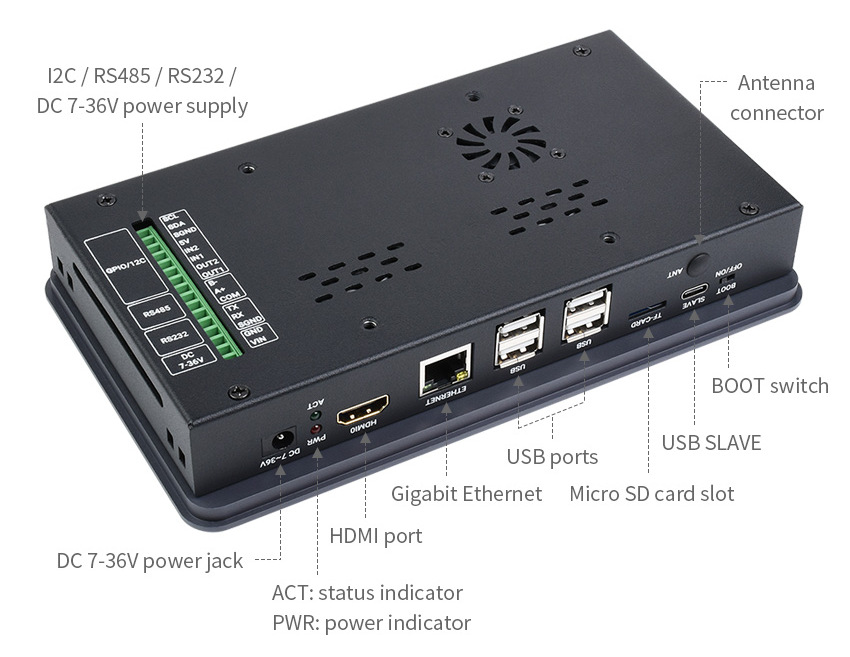
Interfaces:

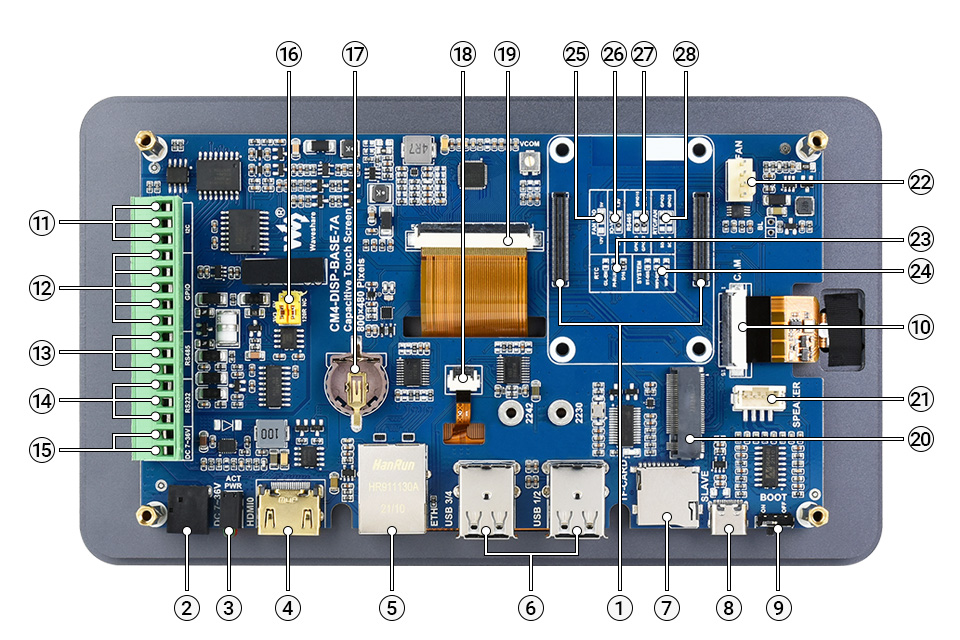
Board elements:

- CM4 connector fits all Compute Module 4 variants
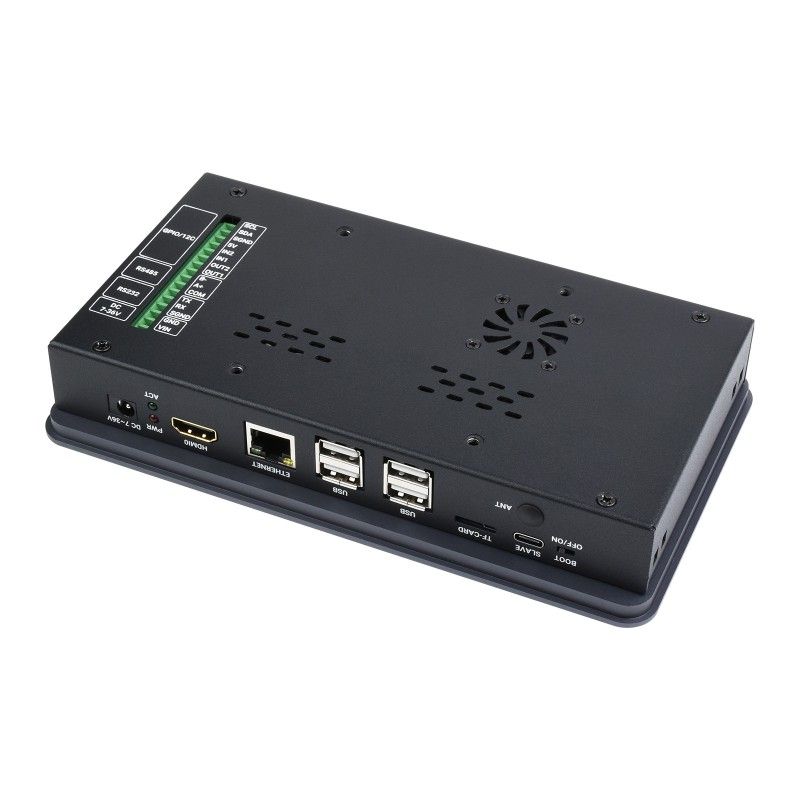
- Power input 7 36 V DC
- CM4 status indicator
PWR: Raspberry Pi power supply indicator
ACT: Raspberry Pi operating status indicator - HDMI connector supports 4K 30 frames per second output
- RJ45 Gigabit 10/100/1000M compatible Ethernet
- 4x USB 2.0, for connecting various USB devices
- Micro SD card slot with pre-recorded image (Lite version ONLY)
- USB port for programming
- Boot selection
ON: The CM4 will boot from the USB-C interface.
OFF: The CM4 will boot from an eMMC or Micro SD card. - MIPI CSI connector connected to the 5MP front camera
- Isolated I2C for controlling or reading data from devices via I2C
- Isolated GPIO for controlling or detecting devices via GPIO
- Isolated RS485
- Isolated RS232
- Power input terminals 7 36 V DC
- RS485 termination resistor and GPIO logic level selection
RS485: connect/disconnect 120R resistor
GPIO: selection of the GPIO logic level - Real-time clock battery holder (supports CR1220 battery type)
- Touch screen connector is connected to a capacitive touch screen
- Display connector is connected to a 7-inch 800×480 display
- M.2 M KEY supports M.2 M KEY NVME SSD or other communication modules that use the PCIe channel
- Speaker jack (audio output)
- Connector for connecting a cooling fan, allows you to adjust and measure the speed
- RTC interrupt configuration
GL-EN: Disable CM4 when RTC interrupt occurs
PI-RUN: CM4 will restart on RTC interrupt
D16: D16 pin is triggered by an RTC interrupt (default) - Configuration of system functions
BT_DIS: Bluetooth disabled, ONLY for CM4 with antenna option
WiFi_DIS: WiFi disabled, ONLY for CM4 with antenna option
WP_DIS: Boot mode switch, used ONLY if NOT booting from eMMC or SD card - Select the power supply for the fan: Select 5V (default) or 12V power supply for the fan drive.
- IO-VREF Selection: Set the CM4 logic IO level to 3.3V (default) or 1.8V.
- RS485 switch
GPIO13/12: Use the ttyAMA1 device (default)
GPIO15/14: use the ttyS0 device - Selecting the RTC/FAN I2C bus
SDA0/SCL0: I2C-10 is used in conjunction with CSI/DSI
GPIO3/2: I2C-1 is used in conjunction with 40-pin GPIO (default)
Overall dimensions: 197mm x 115mm

Information for developers (Wiki): CM4-DISP-BASE-7A-BOX
Included in the package:
- 7" Touch Screen All-In-One Kit x1
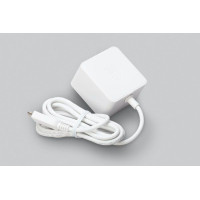
- 12 V 2 A (EU) power adapter x1
- Screwdriver x1
1.
2.
3. 
Weight: 0.898 kg
There are no reviews for this product.
There are no reviews for this product, be the first to leave your review.
No questions about this product, be the first and ask your question.