We do not store credit card details.
Display Raspberry Pi 5.0inch LCD 800x480 Resistive Touch Screen (10563)
We do not store credit card details.
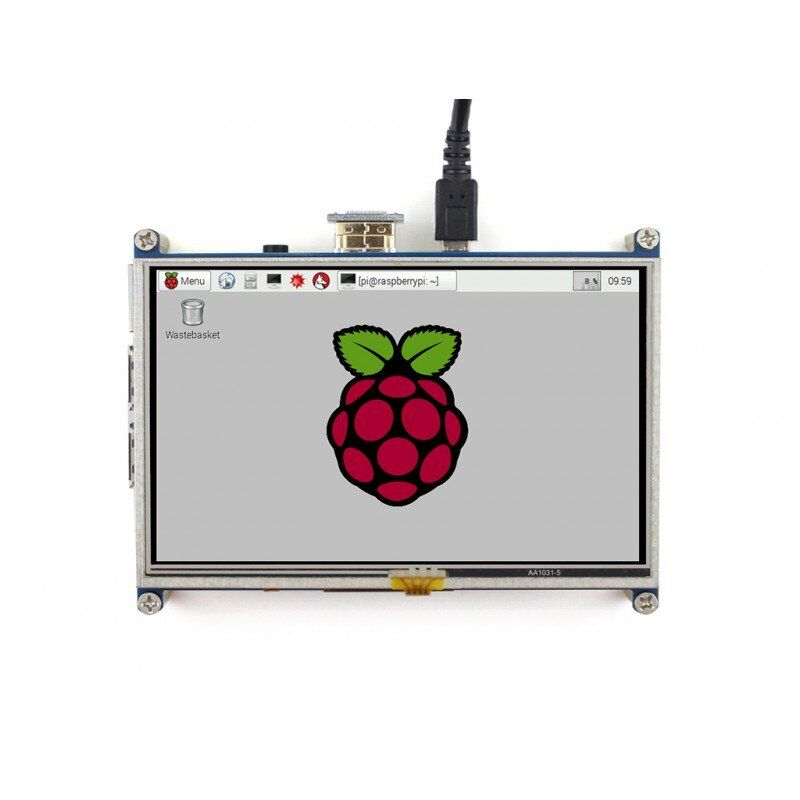
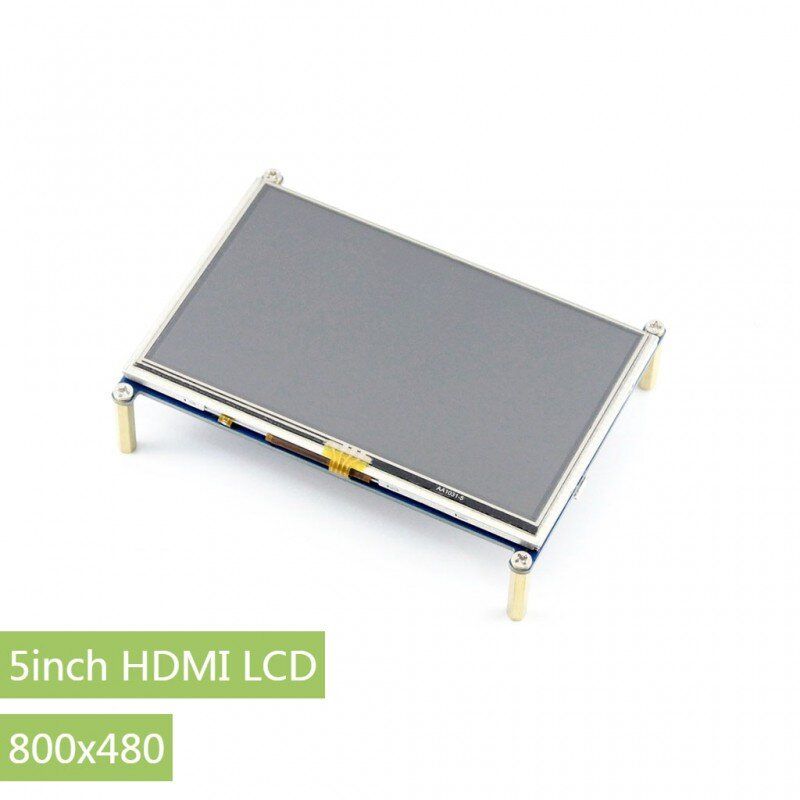
Display 5.0inch LCD 800x480 Resistive Touch Screen - 5-inch LCD touch screen with increased resistance to damage, with HDMI / GPIO interface, designed for Raspberry Pi
properties
- 800x480 high hardware resolution
- Touch control with increased resistance to mechanical damage
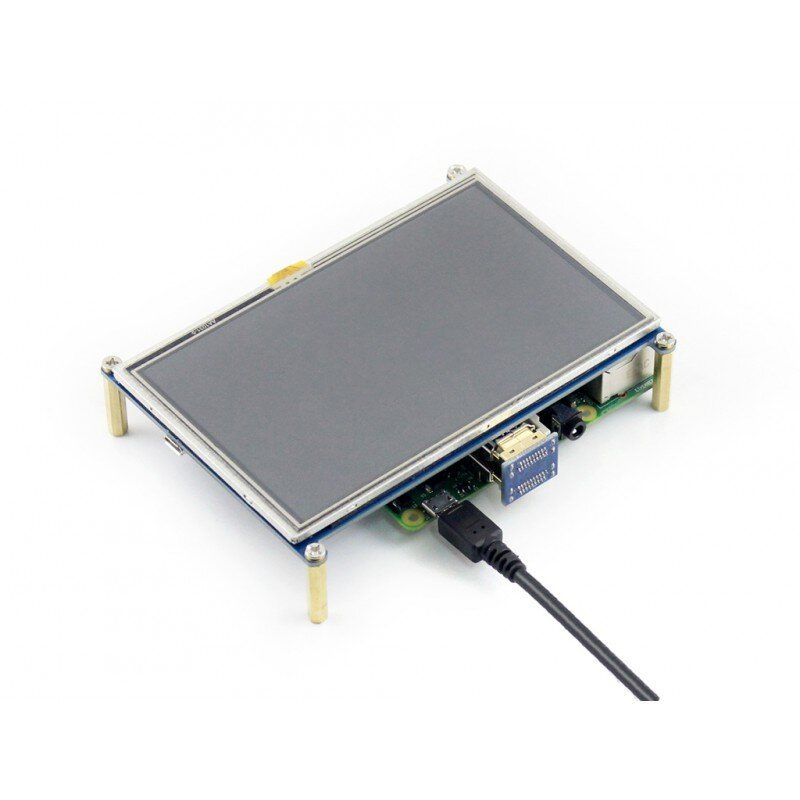
- Compatible and direct connection with any version of Raspberry Pi (except Pi 1 B or Pi Zero, which requires an HDMI cable)
- Drivers are provided (works with your own Raspbian / Ubuntu / Kali / Retropie)
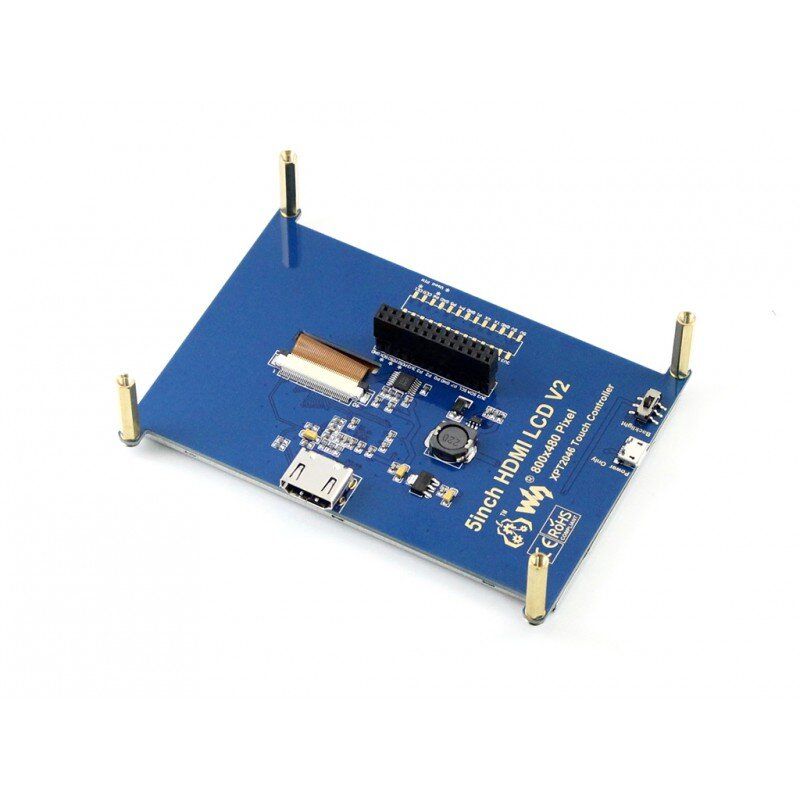
- HDMI interface is used for display, no additional connectors are required (however, the touch panel still needs connectors for connection)
- Backlight can be turned off to reduce power consumption
- High-quality coating of the conductive elements of the PCB with a thin layer of gold to protect against oxidation
Photo


interface
| pin number | designation | description |
|---|---|---|
| 1, 17 | 3.3V | Power supply plus (3.3V power input) |
| 2, 4 | 5V | Power supply plus (5V power supply input) |
| 3, 5, 7, 8, 10, 11, 12, 13, 15, 16, 18, 24 | NC | Not for external connections |
| 6, 9, 14, 20, 25 | GND | Common |
| 19 | TP_SI | SPI data input for the touch panel |
| 21 | TP_SO | SPI data output for the touch panel |
| 22 | TP_IRQ | Touch panel interrupt, low when the panel detects a touch |
| 23 | TP_SCK | SPI clock frequency for the touch panel |
| 26 | TP_CS | Touch panel controller selection, low active |
external dimensions
о
Sources for developers
Wiki : www.waveshare.com/wiki/5inch_HDMI_LCD
Frequently asked questions
Why doesn't the LCD display work with my Raspbian?
In order to use the LCD display with the official Raspberry Pi OS (operating system), you must first install the driver (SPI touch interface only). Please refer to the user manual.
However, you can directly use our Waveshare OS image (if available) for your first test.
Why does the LCD still not work with the provided OS image from Waveshare?
Make sure that the devices are connected correctly and the connectors are plugged in securely.
Make sure that the OS image on the TF card is written correctly.
PWR will be on and ACT will continue to blink after the Raspberry Pi has successfully started. If both LEDs continue to be on, the OS image may have been written incorrectly OR the TF card has a bad contact.
What kind of power supply should I use?
It is recommended to use a 5V/3A power adapter for the Raspberry Pi rather than a USB connection, otherwise the Pi may not start due to insufficient power from the PC's USB port.
For large size LCD displays, say 10 inches or more, another standalone power supply is also required to power the LCD.
For more information, please check the Wiki page.
The set includes:
Weight: 0.152 kg
- 5-inch HDMI LCD x1
- HDMI x1 connector
- HDMI to micro HDMI adapter x1
- Touch pen x1
- RPi screw set (4 pcs.) x1
- Quick start guide x1
1.
2.
3.
4.
5.
6
There are no reviews for this product.
There are no reviews for this product, be the first to leave your review.
No questions about this product, be the first and ask your question.